

FREE Zwift Triathlon Custom Workout Plan
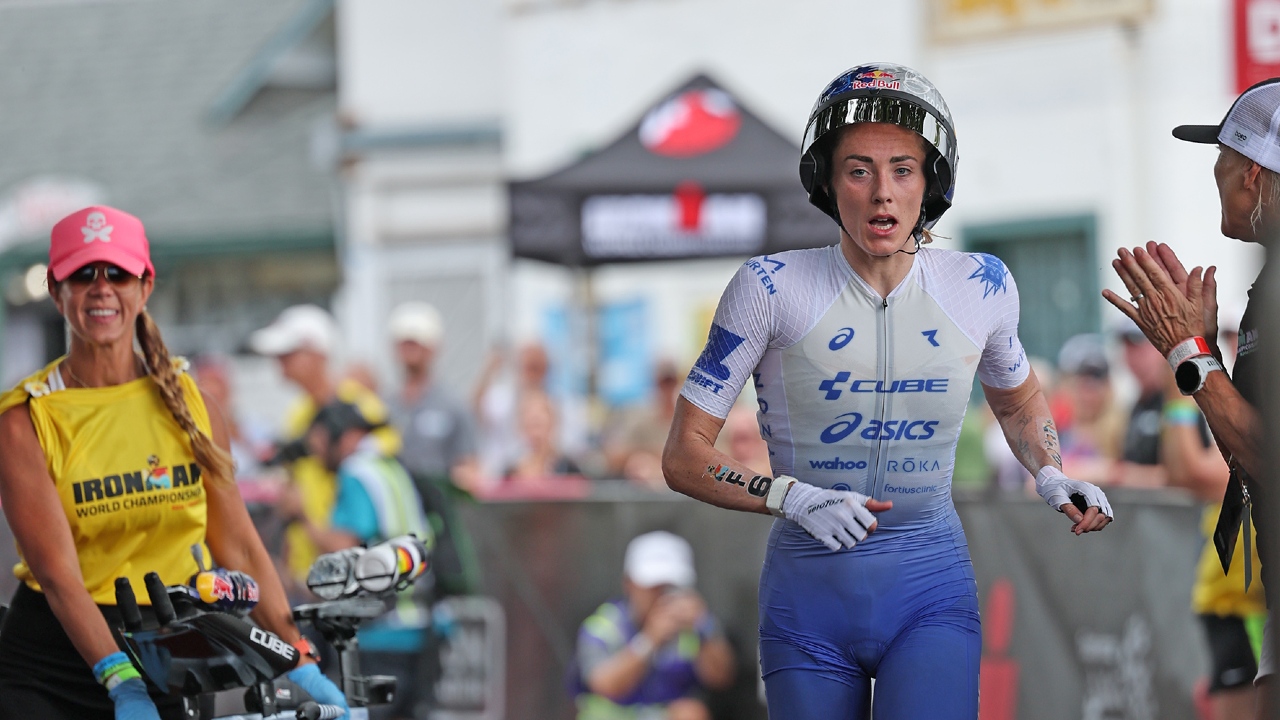
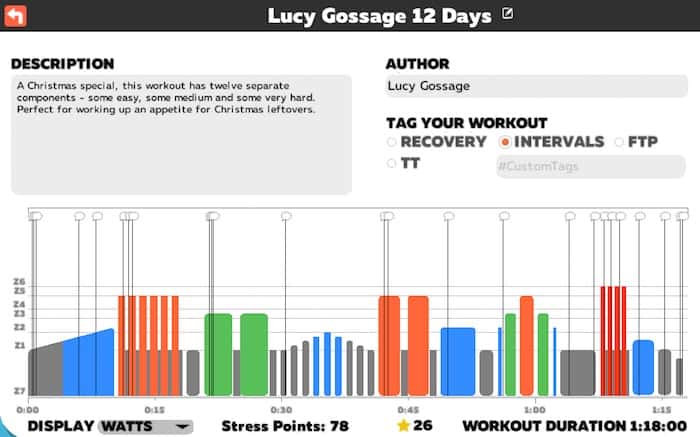
As part of the TRI247 Winter Series on Zwift we have the triathlon training workout that Pro triathlete Lucy Gossage used in her Zwift session for you to download and complete at your leisure. The plan is titled 12 Days of Christmas and has been put together by Lucy herself, and is a 1 hour 18 minute workout which includes something for everyone.
So, if you missed the session then don’t worry – you can now do it in your own time!
You can download the file here (and check out the installation instructions below):
TRI247 Winter Series: Lucy Gossage 12 Days Of Christmas WORKOUT DOWNLOAD
For details on how to add it to Zwift:
The .ZWO file stands for a Zwift Work-Out file. When someone creates a custom workout (whether it be you, a friend, or a coach), Zwift generates a .ZWO file that contains the entire workout. You can share it with your friends or other Zwifters – or add their workouts to your device – by following the steps below.
PC / Mac
Go to your Documents\Zwift\Workouts folder, find the “.zwo” file, and send it to your friend. Any .zwo files you move to your Documents\Zwift\Workouts folder will be added to your custom workouts menu the next time you launch the game.
iOS
In order to add custom workouts to iOS, you need to also have a computer with iTunes installed. It’s not currently possible to create custom workouts on iOS (as of 01/2017).
- Plug your device into your computer and open up iTunes.
- Click on your device in iTunes, then click “Apps” and scroll down to the “File Sharing” section.
- You should see Zwift listed, and it should have a “Zwift” folder. Click that, click “Save To,” and save it to a location of your choice.
- Find the saved Zwift folder, and copy all the workouts you want into the Zwift/Workouts folder
- Go back to iTunes, click “Add,” and choose the Zwift folder with the new workout files. You’ll want to “replace” the folder on the device with your newly modified folder.
- Click “Sync” to save the changes to the device.
When you start Zwift, they will show up in your Custom Workouts section at the bottom of the available Workouts.
Source: Support Zwift