
If you’ve started using a power meter or indoor smart trainer, you’ve probably come across the term FTP. While it may sound technical, Functional Threshold Power is simply a way of measuring your cycling fitness and helping you train more effectively. Understanding your FTP allows you to personalize your workouts instead of relying solely on speed or heart rate. Whether you’re training for your first sprint triathlon or preparing for an Ironman, knowing your FTP can help you pace better, improve your cycling performance and arrive at the run with more energy.
In Short
- FTP stands for Functional Threshold Power.
- It measures the highest average power you can sustain for about one hour.
- FTP is measured in watts.
- It forms the basis of cycling power training zones.
- Training with FTP helps improve pacing and fitness.
- Beginners can benefit from FTP just as much as experienced triathletes.
What Does FTP Actually Measure?
FTP represents the highest average power you can theoretically sustain for approximately one hour without significant fatigue. Power is measured in watts and reflects the amount of work you’re producing on the bike. Unlike speed, which changes with wind, hills and road conditions, power remains consistent. This makes FTP one of the most accurate ways to measure cycling fitness.
FTP helps you:
- Measure cycling fitness.
- Set personalised training zones.
- Pace races more accurately.
- Track improvements over time.
- Prevent riding too hard during training.
- Compare workouts regardless of terrain.
- Structure interval sessions more effectively.
How is FTP Measured?
Several testing methods can estimate your FTP. While laboratory testing is the most accurate, most triathletes use field tests that are practical and reliable.
20-Minute FTP Test
The most common method involves riding as hard as you can sustain for 20 minutes after a thorough warm-up. Your average power for those 20 minutes is multiplied by 0.95 to estimate your FTP.
For example:
- Average 20-minute power: 250 watts
- Estimated FTP: 238 watts
Although this method isn’t perfect, it provides a dependable benchmark for most athletes.
Ramp Test
Many smart trainers and cycling apps now offer ramp tests. The resistance increases every minute until you can no longer continue.
Ramp tests are:
- Shorter than a 20-minute test.
- Easier for beginners.
- Less mentally demanding.
- Simple to repeat every few weeks.
One-Hour Test
A full one-hour effort provides the closest estimate of true FTP but is extremely demanding and rarely used outside elite training environments.
What is a Good FTP?
There isn’t a single “good” FTP because it depends on several factors, including:
- Age.
- Experience.
- Body weight.
- Training history.
- Race distance.
A beginner producing 180 watts may be making excellent progress, while an experienced age-group athlete could produce well over 250 watts.
Instead of comparing yourself with others, focus on improving your own FTP over time.
Why Watts Per Kilogram Matters?
Absolute power tells only part of the story. Coaches often compare FTP relative to body weight because lighter riders require less power to climb hills and accelerate. Watts per kilogram (W/kg) is calculated by dividing your FTP by your body weight in kilograms.
For example:
- FTP: 240 watts
- Weight: 80kg
- FTP: 3.0 W/kg
This measurement provides a better comparison between riders of different sizes.
FTP is Used to Create Training Zones
Once you’ve established your FTP, it becomes the foundation for your cycling training zones. Each zone targets different physiological adaptations.
Typical FTP-based zones include:
- Zone 1: Active recovery.
- Zone 2: Aerobic endurance.
- Zone 3: Tempo riding.
- Zone 4: Threshold efforts.
- Zone 5: VO₂ max intervals.
- Zone 6: Anaerobic capacity.
- Zone 7: Neuromuscular power.
Learning cycling drills in triathlon training makes these zones much easier to apply in your weekly workouts.
Testing FTP
Your FTP changes as your fitness improves, so testing shouldn’t be a one-time exercise.
Most coaches recommend testing every:
- 6–8 weeks during structured training.
- At the beginning of a new training block.
- After returning from a long break.
- When workouts consistently feel easier than expected.
Frequent testing keeps your training zones accurate without becoming overly disruptive.
FTP Helps on Race Day
FTP isn’t only useful for training, it also plays a major role in race pacing. Rather than chasing speed, experienced triathletes often target a percentage of their FTP depending on race distance. This helps avoid the common mistake of riding too hard and struggling during the run.
Using power allows you to:
- Pace climbs more evenly.
- Avoid unnecessary surges.
- Maintain consistent effort.
- Save energy for the run.
- Manage headwinds without overexertion.
- Ride according to your fitness rather than your competitors.
Understanding how to pace the bike leg in a triathlon helps turn your FTP into a practical race-day strategy.
Can Beginners Benefit from FTP?
Absolutely. While beginners may not need to analyse every watt, knowing your FTP provides a simple benchmark for measuring progress. It also removes much of the guesswork from training. Instead of wondering how hard to ride, you can follow workouts based on percentages of your FTP, making every session more purposeful. As your experience grows, FTP becomes an increasingly valuable tool for planning training and pacing races.
Equipments to Measure FTP
To train using FTP, you’ll need equipment capable of measuring power output. While professional laboratory equipment exists, most triathletes use one of the following options.
Power Meter
A power meter measures the force you apply to the pedals and displays your power output in real time. Depending on the model, it may be built into the pedals, crankset, spider or rear hub.
Power meters offer several advantages:
- Accurate power measurement outdoors.
- Consistent training data.
- Reliable pacing during races.
- Easy progress tracking.
- Compatibility with most cycling computers.
Smart Trainer
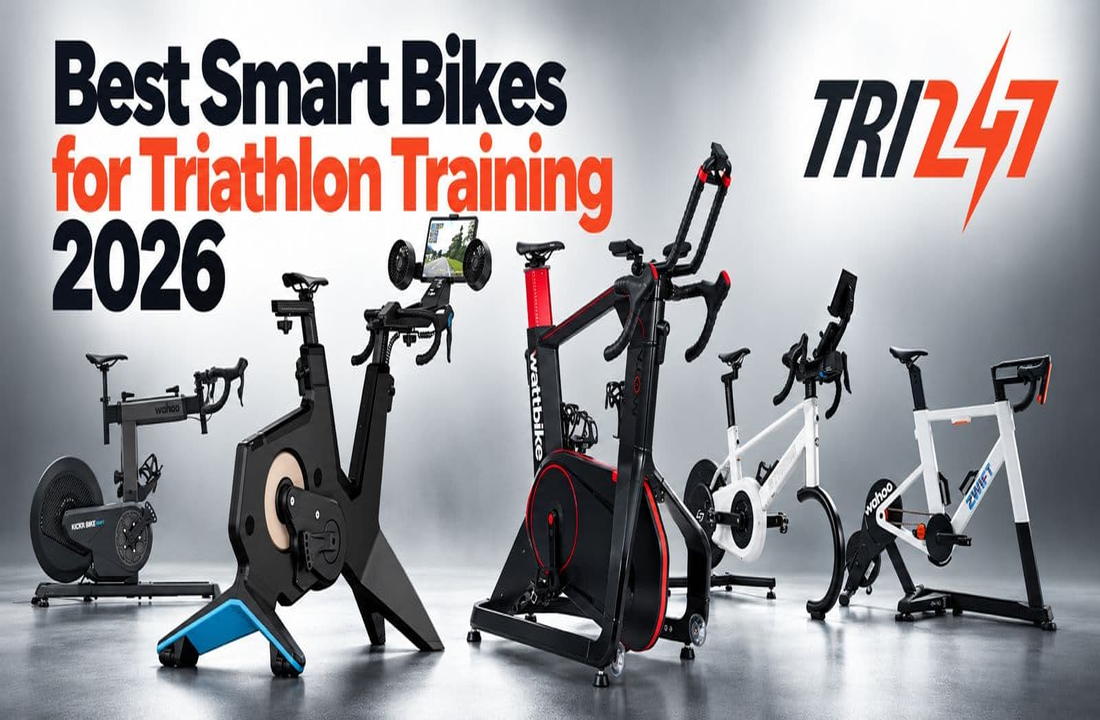
Indoor smart trainers calculate or directly measure power while automatically adjusting resistance during workouts.
Many triathletes use smart trainers because they:
- Remove weather-related interruptions.
- Make FTP testing easier.
- Support structured interval sessions.
- Connect with popular cycling apps.
- Allow year-round training.
If you’re deciding between indoor and outdoor training, indoor vs outdoor cycling for triathlon training can help you understand the benefits of each approach.
FTP vs Heart Rate
Before power meters became widely available, heart rate was the primary way to measure training intensity. While heart rate remains useful, it responds more slowly than power and can be affected by many external factors.
These include:
- Heat and humidity.
- Fatigue.
- Stress.
- Dehydration.
- Caffeine intake.
- Poor sleep.
Power measures the work you’re producing at that exact moment, making it a more immediate indicator of effort. Heart rate, however, still provides valuable information about how your body is responding to that workload. Many experienced triathletes combine both metrics for a more complete picture of training.
FTP vs Speed
Many beginners assume riding faster automatically means they’re becoming fitter. Unfortunately, speed alone doesn’t tell the whole story.
For example, your speed can change because of:
- Wind direction.
- Road surface.
- Gradient.
- Traffic.
- Tyre pressure.
- Weather conditions.
Power removes these variables, allowing you to compare workouts accurately regardless of external conditions.
Common FTP Myths
There are several misconceptions surrounding FTP, especially among newer triathletes.
“Higher FTP Always Means Better Racing”
A higher FTP is beneficial, but race performance also depends on endurance, aerodynamics, pacing, nutrition and the ability to run well after cycling.
“You Should Test Every Week”
FTP changes gradually. Testing too frequently adds unnecessary fatigue and rarely provides meaningful new information.
“Beginners Don’t Need FTP”
Even recreational athletes benefit from understanding their fitness level. FTP makes training more structured and helps avoid riding too hard or too easily.
“FTP is the Only Number That Matters”
FTP is important, but it’s only one part of overall cycling performance. Skills such as bike handling, cadence, positioning and nutrition also influence race results. Understanding what cadence is best for triathlon cycling alongside FTP provides a more complete approach to improving bike performance.
How to Improve Your FTP
Improving FTP requires consistent training rather than constantly repeating FTP tests. Most gains come from gradually increasing your fitness through structured workouts.
Effective ways to increase FTP include:
- Riding consistently throughout the week.
- Completing threshold intervals.
- Including Zone 2 endurance rides.
- Performing VO₂ max sessions.
- Building cycling-specific strength.
- Recovering properly between hard workouts.
- Eating enough to support training.
- Following a progressive training plan.
Athletes looking to improve sustainably should also explore how to improve bike handling and cornering for triathlon, as endurance and threshold power often develop together.
Common Mistakes
- Testing FTP when fatigued.
- Comparing your FTP with other riders.
- Ignoring recovery after FTP tests.
- Never updating your training zones.
- Riding every workout at threshold intensity.
- Focusing only on increasing FTP.
- Forgetting nutrition during longer rides.
- Using inaccurate equipment or poorly calibrated devices.
Practical Tips
- Test FTP every 6–8 weeks.
- Perform a proper warm-up before testing.
- Calibrate your power meter regularly.
- Use the same testing method each time.
- Base workouts on your current FTP.
- Combine power with heart rate data.
- Pace races using FTP percentages.
- Focus on consistent long-term improvements.